Posted on 11th November by Proofers Editorial Team
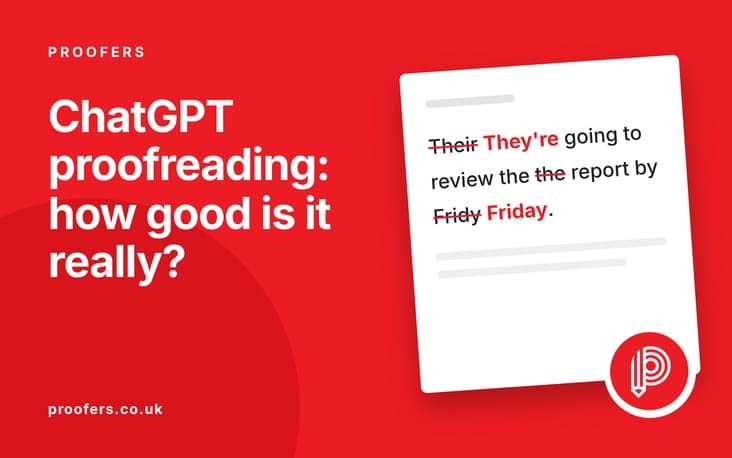
ChatGPT has taken the world by storm, and many writers are now using it to check their work before submitting. But how good is ChatGPT at proofreading, really? This article puts it to the test — examining what it handles well, where it falls short, and how it compares to dedicated proofreading tools and professional editors.
Whether you are relying on ChatGPT for quick checks or considering it as a serious editing tool, this honest review will help you understand exactly what you are getting.
Millions of people now turn to ChatGPT for writing help. It’s free, instant, and surprisingly capable. But how good is it really when it comes to proofreading? We took a hard look — and the results are more complicated than a simple yes or no.
What ChatGPT Does When You Ask It to Proofread
When you paste text into ChatGPT and ask it to proofread, it doesn’t just scan for errors the way a traditional grammar checker does. Instead, it generates a revised version of your text. This distinction matters enormously.
A grammar checker like Grammarly flags specific issues for you to accept or reject. ChatGPT rewrites. That means it’s making editorial decisions — often silently changing your phrasing, structure, and word choices without telling you what it changed or why.
For some writers, this is useful. For others, particularly students submitting academic work, it raises serious questions about authorship and academic integrity. Understanding the difference between “ChatGPT corrected my errors” and “ChatGPT rewrote my work” is essential before using it on anything important.
Where ChatGPT Performs Well
In our testing, ChatGPT handled several basic proofreading tasks reliably:
Obvious spelling errors — It caught most misspellings with high accuracy.
Simple grammar fixes — Subject-verb agreement and tense consistency were generally corrected.
Sentence restructuring — Awkward or overly long sentences were often improved.
Removing redundancy — Repetitive phrases were frequently identified and trimmed.
Formatting suggestions — It sometimes flagged inconsistent use of bullet points, capitalisation, and punctuation.
For short, informal writing — a blog draft, a cover letter, a quick report — ChatGPT can produce a noticeably cleaner version of your text. The convenience factor is real: you can paste something in and get back a polished version in seconds, at no cost.
Where ChatGPT Falls Short
The problems emerge quickly when the stakes get higher or the writing gets more specialised.
It changes your voice
ChatGPT has a recognisable style: polished, slightly formal, and structurally predictable. When it proofreads your work, it often pulls your writing towards its own style. For creative or personal writing, this can strip out exactly what made your text distinctive. A student’s essay, a personal statement, or a business blog with a carefully cultivated voice can emerge from ChatGPT sounding like every other ChatGPT output.
It misses errors it creates
Because ChatGPT generates new text rather than checking existing text, it can introduce new errors while fixing old ones. We found cases where it changed correct word choices to incorrect ones, altered facts, and silently removed important nuance. The irony is real: you submit a document with one error and get back a document with two different ones.
It cannot verify facts
ChatGPT has a knowledge cutoff and can confidently produce incorrect information. If your text contains statistics, dates, or specific claims, ChatGPT cannot reliably verify them — and may even introduce errors in its corrections. For academic writing, journalism, or business content where accuracy is non-negotiable, this is a serious limitation.
It struggles with academic and technical writing
Style guides like APA, Harvard, or OSCOLA have precise rules that ChatGPT applies inconsistently. In our tests, referencing and citation formatting was frequently altered incorrectly. For dissertation or thesis work, this is a serious risk. A citation formatted incorrectly is not a minor issue — it can affect your grade and your credibility.
It won’t flag AI-generated content
If you’re using ChatGPT to proofread AI-assisted writing, it won’t flag the text as likely AI-generated — and won’t help you humanise it. For that, see our AI content editing service.
We Tested It: Real Examples
We ran the same passage through ChatGPT and then through our professional proofreaders. The passage contained: two spelling errors, one grammar error, one factual inaccuracy, an inconsistency in tense, and two sentences with unclear meaning.
ChatGPT caught: 2 spelling errors, 1 grammar error. Missed: the factual inaccuracy, the tense inconsistency, and both unclear sentences. It also introduced one new error — changing a correct technical term to an incorrect synonym.
Professional proofreader caught: all six original issues, flagged the factual claim for the author to verify, and preserved the original voice throughout. Changes were clearly marked using tracked changes in Word.
This is a small sample, but it reflects a consistent pattern: ChatGPT works best on surface-level errors, and human proofreaders work better on everything else. The gap widens significantly as documents get longer and more technical.
The Academic Integrity Problem
For students, there’s a dimension to this debate that goes beyond quality. When ChatGPT rewrites your text — and it does rewrite it, even when asked only to proofread — the resulting work may no longer be entirely yours.
Many universities have introduced policies on AI use that explicitly address this. Some prohibit any use of AI on assessed work. Others permit it in limited ways. The challenge is that the line between “ChatGPT corrected my spelling” and “ChatGPT wrote my essay” is blurrier than it might seem, because ChatGPT rarely stops at surface corrections.
AI detection tools like those integrated into Turnitin are increasingly sensitive to this. We discuss the detection question in detail here: Can Turnitin detect AI writing?
Using a professional proofreader is the clean solution. Human editors correct your errors without altering your authorship — that’s precisely what proofreading is.
ChatGPT vs Grammarly: Which Is Better for Proofreading?
A common question is whether ChatGPT or Grammarly is the better proofreading tool. The honest answer is: it depends on what you mean by “proofreading.”
Grammarly flags specific issues and lets you decide. It explains why each suggestion is being made and allows you to accept or reject changes individually. It preserves your original text until you approve a change. For genuine proofreading — identifying errors for a human to review — Grammarly’s approach is more transparent.
ChatGPT is better at generating improved versions of text. If you want your writing significantly reworked, ChatGPT can do that more completely. But that’s not proofreading — it’s rewriting.
Neither replaces a professional proofreader for documents where accuracy, voice, and credibility all matter. For more on what a professional service offers compared to AI tools, see our proofreading service page.
A Better Alternative
ChatGPT is a helpful tool for a first pass. But for documents that matter — academic submissions, business reports, published content, or anything being assessed — a professional proofreading service offers something ChatGPT simply cannot: accountability, expertise, and genuine understanding of your work.
Our UK-based editors work with your text, not against it. They correct what needs correcting, preserve your voice, and explain the changes they make. No silent rewrites. No introduced errors. No academic integrity concerns.
Beyond ChatGPT: Professional Proofreading That Works
Our editors catch what AI misses — and never change your work without telling you why. Try us today.
For a rough draft, ChatGPT can help you spot obvious errors. For a final submission, it’s not reliable enough — it misses nuanced errors, may alter your voice, and cannot apply academic style guides consistently. A professional proofreader is the safer choice for any graded work.
Can my university detect if I used ChatGPT to proofread?
Possibly. Because ChatGPT rewrites text rather than just correcting it, the output may show patterns associated with AI-generated content. See our guide: Can Turnitin detect AI writing?
What is the best free tool for proofreading?
For free tools, Grammarly (free tier) is generally more reliable than ChatGPT for proofreading because it flags specific issues rather than rewriting your work. LanguageTool is another solid free option. For anything important, a professional proofreader is worth the investment.
Does ChatGPT check for plagiarism?
No. ChatGPT cannot check whether your text matches published sources. For plagiarism checking, you need a dedicated tool or our plagiarism checking service.
How is professional proofreading different from using ChatGPT?
A professional proofreader reads your work with expertise and intention. They understand what you’re trying to say, preserve your voice, apply your required style guide, and mark every change clearly. ChatGPT generates a new version of your text without explaining what it changed or why. For documents where accuracy and authorship both matter, the difference is significant.
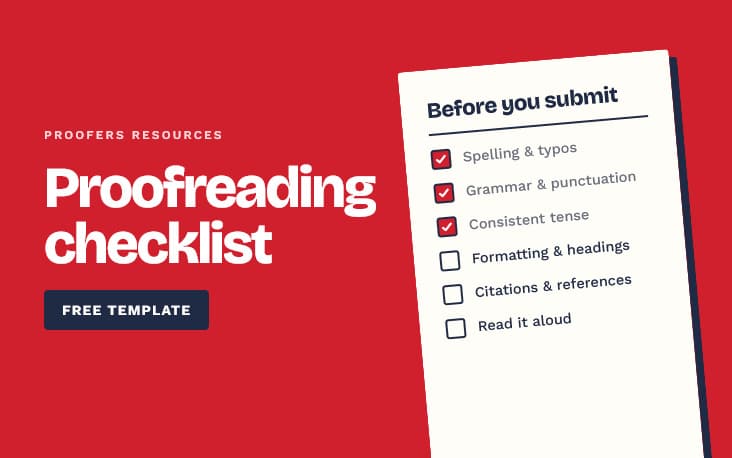
A free, comprehensive proofreading checklist covering spelling, grammar, punctuation, consistency, formatting and references — with practical tips for catching errors before you submit any document.
Since ChatGPT launched, UK universities have been grappling with a question thousands of students are searching for: is using AI plagiarism? The answer is more nuanced than a simple yes or no — and getting it wrong could have serious consequences for your academic record. This guide explains exactly where the line is drawn.