






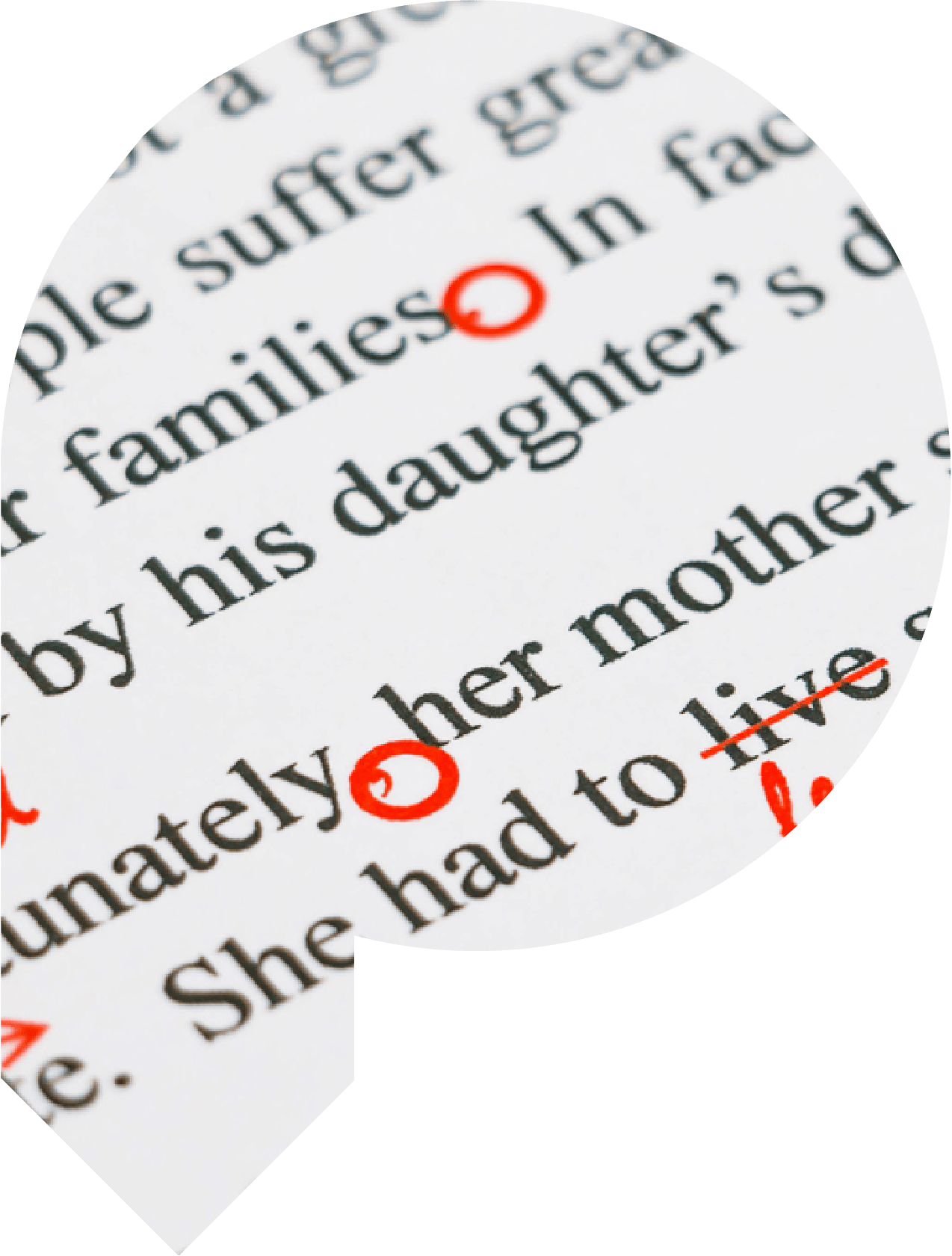
Proofers specialises in providing professional document editing and proofreading services. We check everything from essays, dissertations and academic papers to business plans, CVs and personal statements. We can proofread and edit all professional documents – and even letters and novels.
A focus on detail is the key to our proofreading service and we will complete a thorough review of your writing to correct errors in spelling, punctuation, grammar and syntax. If you need first-class proofreading for your writing at a competitive price, we can help.
What's included
Our professional proofreading service consists of the following
-
Correcting all spelling mistakes – Ensuring that the spelling is perfect. We can correct for US or UK English, depending on your requirements.
-
Correcting punctuation – Ensuring that all punctuation is used appropriately and inserted where necessary.
-
Correcting all grammatical errors – Ensuring that your writing is grammatically correct.
-
Checking references and citations – Ensuring that the references and citations comply with the required university style guidelines.
-
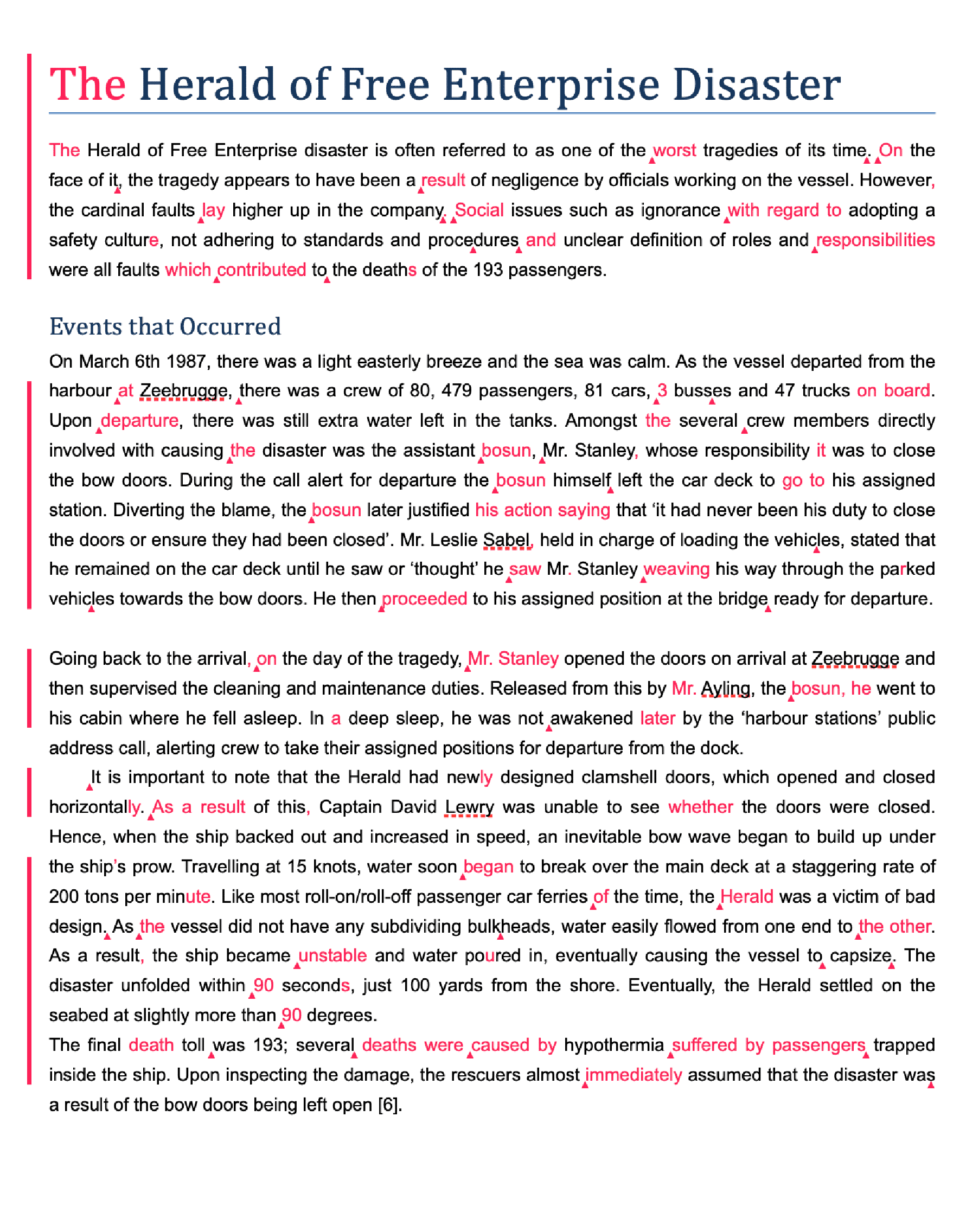
Highlighting all edits – Using Track Changes so that all alterations are indicated in colour, allowing you to review the corrections easily.
-
Providing feedback with the corrections – Providing detailed feedback and recommendations to supplement the corrections.
Quality Service At An Affordable Price
Trusted editing and formatting services backed by a full money-back guarantee!
How We Proofread
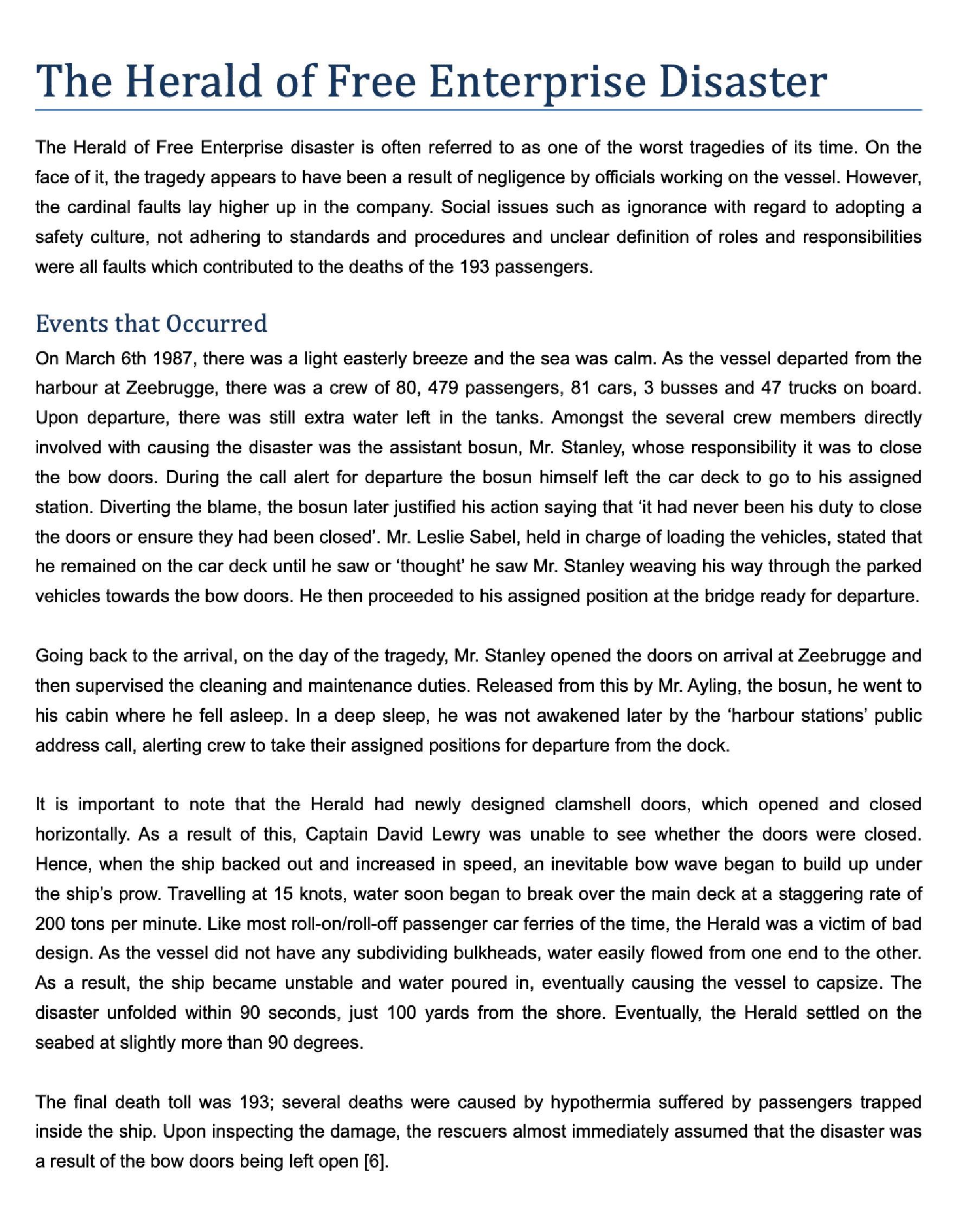
Your document is edited using the Track Changes feature in Microsoft Word ®. This allows you to view corrections easily and accept or reject any or all recommended changes. Any comments or suggestions with regard to clarity, meaning or usage are noted in the right-hand margin for your consideration.
You will be sent two different electronic versions of your document via e-mail.
In addition you will be sent a separate ‘comments’ document which will contain recommendations and feedback from our editor. The documents returned to you will be as follows:
- Edited Version – This will be a clean copy of your document containing all the changes implemented and will be ready to submit or publish.
- Corrected Version – This version will include all the changes made by the editor using the Track Changes function in Microsoft Word ®. This feature clearly identifies any errors and suggested corrections.
- Comments – Our editor will provide comments/recommendations based on the proofreading.

Services Comparison
| Service | Proofreading | Copy Editing | AI Editing | Paraphrasing | |
|
Correcting all spelling mistakes – Ensuring that the spelling is perfect. We can correct for US or UK English, depending on your requirements. |

|
|
|
|
|
|
Correcting punctuation – Ensuring that all punctuation is used appropriately and inserted where necessary. |
|
|
|
|
|
|
Correcting all grammatical errors – Ensuring that your writing is grammatically correct. |
|
|
|
|
|
|
Checking references and citations – Ensuring that the references and citations comply with the required university style guidelines. |
|
|
|
|
|
|
Highlighting all edits – Using Track Changes so that all alterations are indicated in colour, allowing you to review the corrections easily. |
|
|
|
|
|
|
Providing feedback with the corrections – Providing detailed feedback and recommendations to supplement the corrections. |
|
|
|
|
|
|
Improving intelligibility – Improving the use of vocabulary and sentence structure to ensure that your writing is clear. We will make recommendations where text is unclear to avoid any ambiguity or confusion. |
|
|
|
||
|
Ensuring flow – Ensuring that your writing flows naturally, fluidly and logically between sentences and the text maintains relevance and clarity. |
|
|
|
||
|
Amending for appropriate tone – Ensuring the tone of the document is appropriate to the target audience. For example, theses and academic journals require a formal style. |
|
|
|
||
|
Refining AI-generated text – Editing AI-generated or AI-assisted content to ensure the writing sounds natural, authentic, and reader-friendly rather than robotic or generic. |
|
|
|||
|
Improving tone and expression in AI-written content – Adjusting sentence structure, vocabulary, and phrasing in AI-generated text so that it reads naturally and reflects clear human communication. |
|
|
|||
|
Enhancing readability and coherence of AI text – Improving the flow and clarity of AI-generated writing by removing awkward or repetitive phrasing and ensuring the text maintains a consistent academic or professional style. |
|
|
|||
|
A re-write of all of the sentences – in your document in accurate and clear English, except for quotations or citations. |
|
||||
|
Improvement of your work – so that its tone fits your purpose, be that academic or business-oriented. |
|
||||
|
Choose |
Choose |
Choose |
Choose |
Answers to common questions:
How do I submit my document for proofreading?
How much does proofreading cost?
Can you provide a certificate for proofreading and editing?
What is the difference between proofreading and copy editing?
How long does proofreading take?
What types of documents do you proofread?
Do you proofread documents written by non-native English speakers?
Will my document remain confidential?
What file formats do you accept?
Is using a proofreading service allowed at university?
Will proofreading affect my Turnitin score?
Formats We Can Proofread
Proofers can correct written documents in most formats, including:
-
 Microsoft Word®
 -
Excel
-
Powerpoint
-
Portable Document Files
(PDF) -
Rich Text Files
(.rtf)



We're rated excellent

-
"Top quality service, which I will use again in the future. The document was reviewed and adjusted with speed. I would definitely recommend to others."
University of Leeds – Terry Smith -
" I was impressed with the service offered by this company overall and thank them for their efforts."
University of Liverpool – Andy Brooks -
"Very good, speedy and nice service. I have much more confidence on my paper now. I will definitely use their service again."
University of London – Chris P -
"Excellent service with very quick delivery. My document was quickly reviewed and corrected. Will definately use again."
University of Birmingham – Jade Patterson -
"Got awarded a first class for my thesis that you proofread. Excellent job, will pass on your details to all my mates!"
Lancaster University – Mr S Anderson -
"Excellent service with prompt and accurate work returned. Will definitely recommend to friends and use again."
Lizzy (Private) -
"My Phd documents was greatly improved thanks to these guys. They gave a fantastic service and were easy to use. Would recommend to anyone who needs their documents checked."
Lancaster University – Kevin T -
"Excellent work! They were a great help."
University of Derby – Richard M -
"Very happy with the service 10/10 Quick turnaround and very friendly team! Thanks for everything been great help!! Will definitely use again!"
UCLAN (University of Central Lancashire) – R Bapu -
"Many thanks for a fast, accurate service. Made all the difference."
University of Southampton – Ross G -
"Good service, fast communication, and very helpful My work has improved a lot with proofreading service."
University of Leicester – K.Wongpayak -
"Communication was excellent. The level of proofreading was exceptional. I want to thank ALL the staff at Proofers for an excellent Proofreading Service! Would definately recommend!"
University of Westminster – Tom Geevers

